

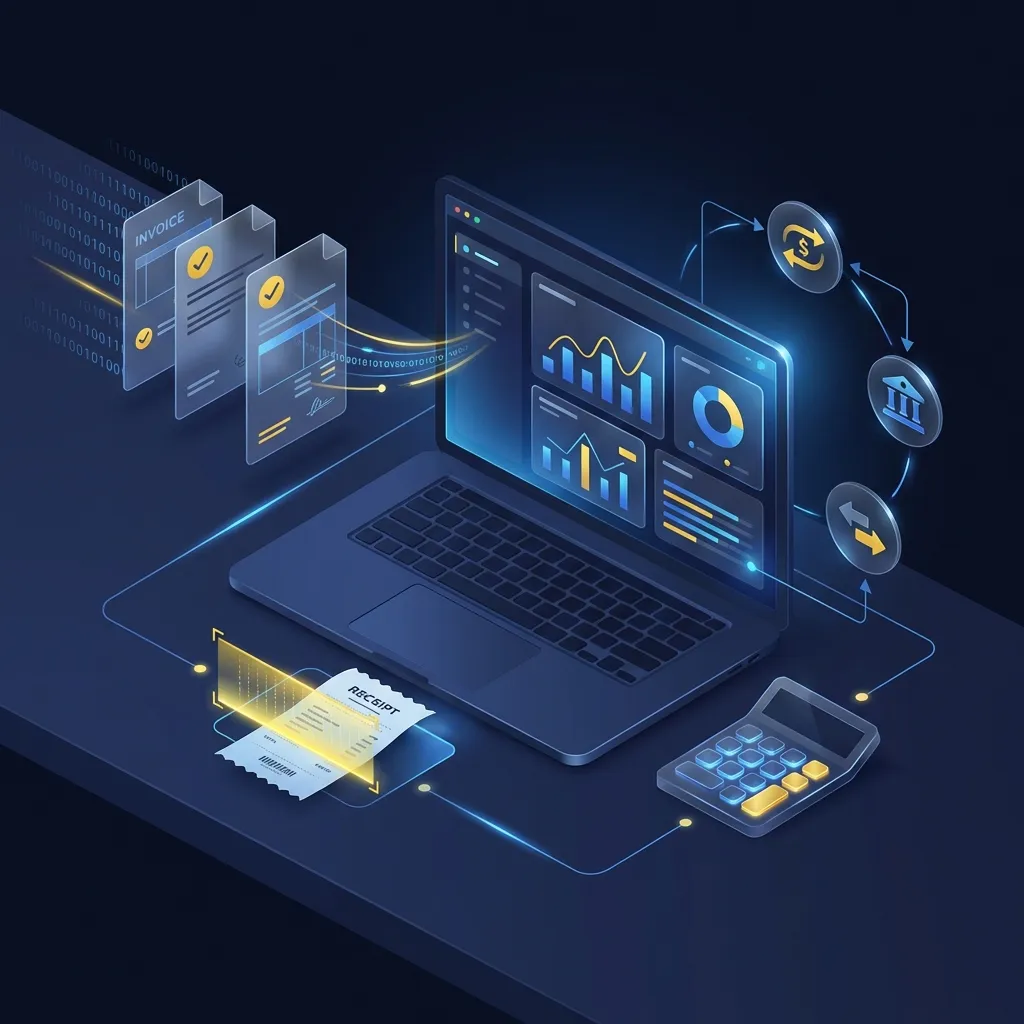
Introduction: Why Accounting is the Biggest Time Sink in SMEs
If you ask managing directors of medium-sized companies what they enjoy doing least, the answer is almost always the same: "Paperwork." Accounting is necessary, legally required – and usually extremely inefficient.
Receipts are printed out, sorted into folders, driven to the tax consultant (in the "shuttle folder"), typed up again there, and months later you receive an evaluation (BWA) that tells you how your company was doing three months ago. This process is expensive, slow, and error-prone. In an era where we exchange data worldwide in milliseconds, traditional accounting seems like a relic from the last century.
But there is good news: No other corporate function can be automated as well and comprehensively as financial accounting. Modern tools and interfaces now enable "no-touch" accounting, where 90% of receipts are processed without human intervention. In this guide, we will show you step by step how to get there.
Chapter 1: The Four Stages of Accounting Evolution
Where does your company currently stand? Most SMEs are somewhere between Stage 1 and 2. The goal should be at least Stage 3, ideally Stage 4.
Stage 1: The Paper Tiger (Manual)
Invoices arrive by mail or are printed from emails. They are punched, filed into folders, and physically transported to the tax consultant.
- Disadvantage: High personnel costs, no up-to-date figures, receipts get lost, high space requirements for archives.
Stage 2: Digital Chaos (Hybrid)
Some receipts are digital (PDFs), others are paper. You might use tools to upload scans, but you still type bank data manually or maintain parallel Excel lists.
- Disadvantage: Media breaks, duplicate work, typing errors.
Stage 3: Integrated Processes (Digital)
Invoices are automatically retrieved from portals or routed into the system via email forwarding. OCR (Text Recognition) extracts the data. The bank is connected.
- Advantage: Significant time savings, daily updated overview of open items.
Stage 4: "No-Touch" Accounting (Automated)
Orders in the webshop automatically trigger invoices, which are automatically booked and assigned to incoming payments (PayPal/Stripe/Bank). A human only intervenes in case of deviations. Data flows seamlessly between CRM, ERP, bank, and tax consultant.
- Advantage: Maximum scalability, almost no manual intervention, real-time controlling.
Chapter 2: The Technological Foundation
To automate your accounting, you don't need a degree in IT, but you do need the right tools. The market for "FinTech" solutions is huge. Here are the core components of a modern stack:
1. The Accounting Frontend (Preparatory Accounting)
This is the tool you and your employees work with daily. It collects receipts, extracts them, and prepares them for the tax consultant. Well-known solutions in Germany include SevDesk, Lexoffice, or Candis. For larger requirements, tools like Moss or Pliant (for credit card billing) are added.
2. OCR Technology
Optical Character Recognition (OCR) is the key. Modern AI-supported OCR not only reads the text but "understands" the receipt. It recognizes: This is a telecom invoice, the amount is €49.90, the tax is 19%, the booking account is "Telephone Costs." The better the OCR, the less you have to correct.
3. Interfaces & APIs
Nothing is worse than isolated data. Your accounting software must be able to "speak" with:
- Your bank account (via PSD2/FinTS interface)
- Your outgoing invoices (e.g., from the CRM or webshop)
- Your tax consultant (mostly via DATEV interface in Germany)
GoBD Compliance is Mandatory
Despite all the technology: The most important criterion is legal compliance. In Germany, the GoBD (Principles for the proper keeping and storage of books, records, and documents in electronic form) apply. Your software must ensure that receipts are recorded immutably. Simply saving them as a PDF in a Windows folder is not sufficient!
Chapter 3: Step-by-Step to Automation
Step 1: Bundle Input Channels
Put an end to receipts landing on desks, slumbering in private email inboxes, or fading in the glove compartment. Set up a central email address (e.g., [email protected]) that automatically forwards to your accounting tool.
Tip: Use tools like GetMyInvoices or InvoiceFetcher. These tools automatically log into online portals (Amazon, Telekom, Facebook Ads, Google Ads), download the invoices, and push them into your accounting system. This alone often saves hours per month.
Step 2: Credit Cards & Expense Management
Classic corporate credit cards are often a nightmare for accounting ("Whose expense is this? Where is the receipt?"). Modern solutions like Moss, Pliant, or Pleo offer virtual and physical credit cards.
- Employee pays with the card.
- App on the phone immediately pings: "Please photograph receipt."
- Employee takes a photo, app matches receipt and transaction.
- Done. No more end-of-month billing necessary.
Step 3: Bank Reconciliation and Payments
Connect your bank accounts live. The system should automatically match incoming payments to open invoices. Even better: Pay incoming invoices directly from the tool. You select the invoices to be paid, the tool creates a collective transfer, and you approve it once in the bank app. No more manual typing of IBANs (the most common source of errors!).
Step 4: Handover to the Tax Consultant
The tax consultant no longer gets a shoebox, but a dataset. Via cloud services, receipt images and booking data are transferred. The tax consultant only has to check and do the annual financial statements, instead of typing data. This often also lowers the ongoing costs for accounting.
Chapter 4: ROI – Is the Effort Worth It?
Many shy away from the transition ("Never change a running system"). But the calculation is simple.
Sample calculation for an SME with 20 employees:
Classic accounting costs internally approx. 20 hours per month (searching, sorting, transferring invoices, clarifying queries). At an imputed hourly rate of €50, that's €1,000 in pure personnel costs. Add to this the tax consultant costs for manual booking.
With automation, internal effort drops to approx. 3 hours (for control and approval). Software costs might be €100-200 a month. Savings: ~€700 monthly + gained lifetime + better data quality.
Chapter 5: Common Pitfalls
Mistakes can also happen during digitization. Here are the classics:
- Digitizing process errors: A bad process doesn't get better with software, just faster at being bad. Rethink the workflow first (Who is allowed to approve what?), then the tool.
- Not taking employees along: If the team doesn't use the new tools or builds "workarounds," the project fails. Training is essential.
- Interface chaos: Not every tool fits every other. Before signing a contract, check exactly whether Shop System X really speaks cleanly with Accounting Tool Y.
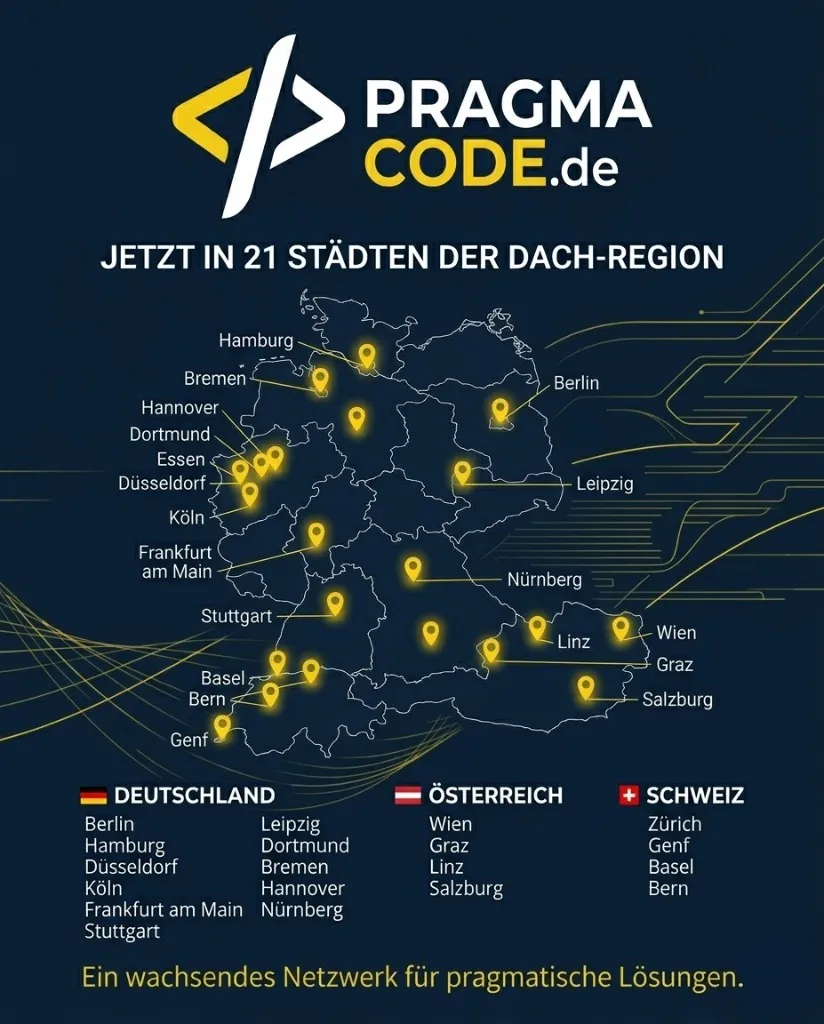
Our Regional Expertise
We are your digital partner – regionally anchored and successfully scaling across borders.
End the Paperwork?
We analyze your existing financial processes and implement a seamless, automated accounting architecture (incl. RPA) that grows with you.
Request Free Initial ConsultationGlossary
OCR (Optical Character Recognition)
Technology for automatic text recognition in images/scans. Turns a "dumb" image into searchable text and extracts data like invoice numbers.
GoBD
German principles for the proper keeping and storage of books, records, and documents in electronic form, as well as for data access.
DATEV
The standard software provider for tax consultants in Germany. A "DATEV interface" is essential for collaboration.
API (Application Programming Interface)
Programming interface that allows different software systems to communicate and exchange data with each other.
BWA (Business Evaluation)
Monthly evaluation of financial data showing the entrepreneur the earnings position and liquidity.