

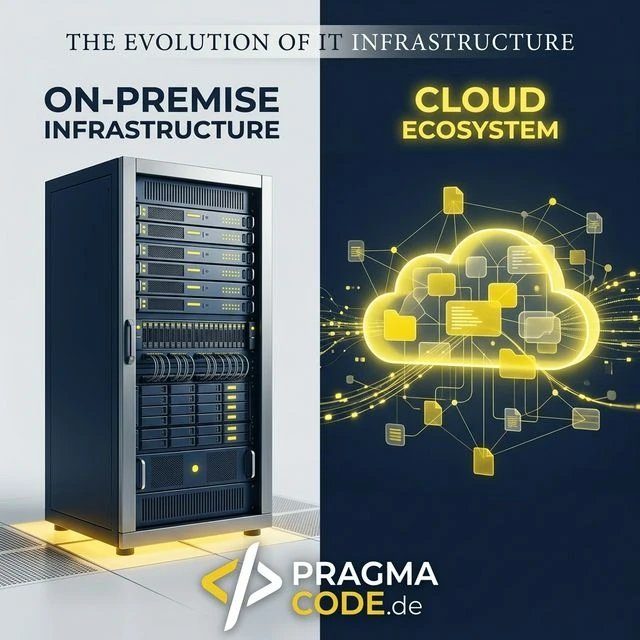
The Hybrid Infrastructure Baseline
Why the classic black-and-white debate between pure cloud and pure on-premise has become obsolete in the era of edge models and locally hosted LLMs, and what secure IT architectures look like in 2026.
- CAPEX vs. OPEX: The cloud shifts investment costs to operational expenses, but is not necessarily cheaper than owning hardware for 24/7 continuous workloads.
- Security Myth: On-premise offers physical control, but often fails due to a lack of skilled workers for 24/7 monitoring and professional patch management.
- The Sweet Spot: The Hybrid Cloud combines the sovereignty of local servers for sensitive PII data with the elastic scalability of the public cloud for dynamic services.
Introduction: The Crucial Question of Modern IT
Over the past ten years, the IT landscape has radically changed. While the in-house server room in the basement used to be the undisputed heart of every company, managing directors and IT heads today face a decision that has far-reaching consequences for the future of their organization: Should we continue to operate our data and applications internally (On-Premise) or take the step into the cloud? This question is no longer just technical, but a strategic one that determines competitiveness, agility, and security.
For many medium-sized companies, this decision feels like choosing between the plague and cholera. On the one hand stands the cloud, tempting with infinite scalability, flexibility, and cost efficiency, but also fueling fears regarding data security ("Where is my data actually located?") and dependency ("Vendor Lock-in"). On the other hand is the proven on-premise solution, which promises full control but is increasingly perceived as complex, expensive, and hindering innovation. Hardware becomes obsolete faster than it can be depreciated, and the shortage of skilled workers makes it increasingly difficult to find qualified personnel to maintain your own infrastructure.
But is it really an "either-or" decision? Or does the truth, as is so often the case, lie somewhere in between? In this comprehensive guide, we will not only superficially contrast the two worldviews but dive deep into the details. We will debunk myths, break down cost structures, and illuminate the often-neglected security aspects. Our goal is to equip you with the necessary tools so you can make an informed decision for your company – a decision that will stand the test of time, not just today, but also in 2030.
We will look at why the cloud is not automatically cheaper, why on-premise is not automatically more secure, and why hybrid models are often the "sweet spot" for the SME sector. Prepare for a deep dive that leaves no questions unanswered.
- 1. The Cloud – Cloudy Promises or Real Added Value?
- 2. On-Premise – The Fortress in Your Own Basement
- 3. The Great Comparison – Facts Instead of Gut Feeling
- 4. B2B Comparison: Cloud vs. On-Premise Matrix
- 5. Focus on SMEs – Specific Challenges
- 6. Migration – Paths to the Cloud
- 7. Law and Order – Compliance and GDPR
- 8. The Crystal Ball – Where is the Journey Heading?
- 9. Conclusion: There is No Silver Bullet, but a Clear Trend
- 10. Frequently Asked Questions (Glossary)
Chapter 1: The Cloud – Cloudy Promises or Real Added Value?
Definition and Models: What is "the Cloud" exactly?
Before we can judge, we must understand. "The Cloud" is not a physical place, but an operating model. At its core, cloud computing means providing IT resources (servers, storage, databases, software) over the internet ("Cloud Services"), usually on a usage-based payment model (pay-as-you-go). You no longer buy a server; you rent computing power.
The Three Service Models (The "Pizza Model")
To understand the differences, a comparison with pizza often helps:
IaaS (Infrastructure as a Service)
You rent the kitchen and the oven (servers, storage), but you bring the dough and toppings (operating system, software) yourself and bake it yourself. Examples: AWS EC2, Microsoft Azure VMs. Here you have the most control but also the most maintenance effort.
PaaS (Platform as a Service)
You buy the pizza dough and tomato sauce ready-made (development environment, databases), but top it as you wish. You don't have to worry about the oven, only the end product. Examples: Google App Engine, Azure SQL Database. Ideal for developers.
SaaS (Software as a Service)
You go to a pizzeria and order a finished pizza. You simply use the software (consumption), without worrying about production or operation. Examples: Microsoft 365, Salesforce, Gmail. This is the model most end-users know.
Deployment Models: Public, Private, and Hybrid
Another crucial factor is whose cloud you use.
Public Cloud: The infrastructure is provided by a large vendor (hyperscalers like Amazon, Microsoft, Google) and used by multiple customers simultaneously (multi-tenancy). This offers the greatest economies of scale and cost advantages but raises questions about data separation. Think of it like an apartment building: You have your own apartment, but you share the building and the lines with others.
Private Cloud: Resources are provided exclusively for a single company. This can happen in their own data center or with an external provider. It is like having your own detached house: Full control, no neighbors, but you have to mow the lawn yourself (or pay someone to do it).
Hybrid Cloud: The combination of both. Sensitive data remains in the private cloud (or on-premise), while non-critical workloads or peak loads are outsourced to the public cloud. This is considered the model of the future for many companies.
Chapter 2: On-Premise – The Fortress in Your Own Basement
The Appeal of Total Control
On-premise (locally on site) is the traditional model. Servers, storage, network components – everything is physically located on the company's premises. The biggest advantage is obvious: Control. You know exactly where your data is located – namely in the server room next to the cafeteria. No one else has access unless you grant it. For companies with extremely high data protection requirements or those located in areas with poor internet connectivity, this is often the only feasible model.
The Flip Side: Responsibility and Costs
With great power comes great responsibility. With on-premise, you are responsible for everything. Power outage? Your problem (do you have a UPS?). Air conditioning broken? Your problem. Is the administrator sick? Your problem.
In addition, on-premise requires high initial investments (CAPEX). You have to buy hardware that is designed for the maximum expected demand over the next 3-5 years. This means you often pay for performance that you do not (yet) use ("overprovisioning"). And when the hardware reaches the end of its life cycle (End of Life), the game starts all over again: New acquisition, migration, disposal.
Chapter 3: The Great Comparison – Facts Instead of Gut Feeling
Let's pit the two models against each other in the most important categories.
Round 1: Costs (TCO - Total Cost of Ownership)
A persistent myth is that the cloud is always cheaper. This is not universally true.
Cloud: Converts fixed costs (CAPEX) into variable costs (OPEX). You only pay for what you use. This is good for cash flow and startups. But: If you run virtual machines 24/7, the monthly rent over 3-5 years can be more expensive than buying the hardware. Besides, there are "hidden" costs like data transfer fees (egress traffic) or premium support.
On-Premise: High initial costs, but low ongoing costs (apart from power, cooling, maintenance). Once the hardware is depreciated, you "own" it and usage is virtually free. For stable, predictable loads, on-premise can be cheaper in the long run.
Round 2: Security
Opinions are divided here. Many believe their data is safer in their own basement. Comprehensive IT security, however, requires more than just locked doors.
On-Premise: Offers physical security (you hold the key). But: Can you afford a security team that monitors the network 24/7? Can you configure firewalls as well as Google or Microsoft, who employ thousands of security experts? Often, local systems are patched worse and easier to hack than professional cloud environments.
Cloud: Hyperscalers invest billions in security. Physically, their data centers are fortresses. The vulnerability is often not the cloud itself, but how the customer uses it (misconfigurations). The "Shared Responsibility Model" applies here: The provider secures the cloud, the customer secures what happens IN the cloud (data, access controls).
Round 3: Scalability and Agility
In this round, the cloud wins by knockout.
Cloud: Do you need 50 new servers tomorrow for a marketing campaign? One click, and they're there. Is the campaign over? One click, and they're gone (and cost nothing anymore). This elasticity is impossible on-premise.
B2B Comparison: Cloud vs. On-Premise
- Control: Full data sovereignty and physical control over the servers in your own facility.
- Cost Structure: High initial investments (CAPEX), but low and predictable ongoing operational costs.
- Latency & Offline: Minimal access times in the local network and full functionality without an internet connection.
- Maintenance: Complete responsibility for cooling, power, backups, and security patching lies internally.
- Flexibility: Scale computing power and storage at the click of a button within seconds.
- Cost Structure: No CAPEX, purely usage-dependent monthly operational expenditures (OPEX).
- Availability: Redundant data centers of hyperscalers guarantee maximum uptime (SLA >99.9%).
- Maintenance: Updates, hardware maintenance, and physical infrastructure security are handled by the provider.
On-Premise: Scaling here means: Ordering hardware, waiting, installing, configuring. This takes weeks or months. If your business is growing rapidly, IT becomes a bottleneck.
Chapter 4: Focus on SMEs – Specific Challenges
Special rules apply to the SME (Small and Medium-Sized Enterprises) sector. Here, tradition, long-term planning, and above all, trust play a huge role.
The Fear of Losing Control
Many managing directors have a hard time handing over their "crown jewels" (design data, customer databases). Trust in US providers was shaken, especially after various data scandals. European cloud initiatives (like GAIA-X or local providers) and improved data protection contracts from the US giants have made improvements here.
The Skills Shortage as a Driver
An often underestimated factor is personnel. Finding a good server administrator who knows hardware, virtualization, networking, AND security is like looking for a needle in a haystack. And when you find one, they are expensive. In the cloud, you outsource a large part of this complexity to the provider. You need fewer "mechanics" and more "managers" who control the cloud services. This can be a solution to the shortage of skilled workers.
Chapter 5: Migration – Paths to the Cloud
Once the decision for the cloud (or parts of it) has been made, how do you get there? There are different strategies known as the "6 Rs". The two most important for SMEs are:
1. Rehosting ("Lift & Shift")
You take your virtual machine exactly as it is and move it to the cloud.
Advantage: Fast, low risk, no code changes to the application required.
Disadvantage: You don't really use the advantages of the cloud (like automatic scaling). You are basically running a "server on the internet." This is often the first step, but rarely the most efficient one.
2. Refactoring / Re-Architecting
You rebuild your application (or buy a new SaaS solution) to use cloud-native features (e.g., containers, serverless, managed databases).
Advantage: Maximum efficiency, scalability, and long-term cost savings.
Disadvantage: High initial effort, requires developer expertise.
Chapter 6: Law and Order – Compliance and GDPR
There is no IT topic globally without data protection. The General Data Protection Regulation (GDPR) is a sharp sword.
On-Premise: You know exactly where the data is located. Compliance is easier to prove, but you carry the sole risk.
Cloud: You have to look closely here. Where are the data centers located? (Keyword: Server location EU/Germany). What contracts for order processing (DPA) exist? How is access by third parties (US authorities, Cloud Act) regulated? Reputable providers today offer contract addendums and technical measures (Bring Your Own Key encryption) that enable GDPR-compliant use. Nevertheless, a residual uncertainty remains that must be legally evaluated.
Chapter 7: The Crystal Ball – Where is the Journey Heading?
Edge Computing
The trend is partially returning to decentralization. With Edge Computing, data is processed where it is created (e.g., directly on the machine in the factory) instead of sending it to the cloud first. This saves time (latency) and bandwidth. The cloud then only serves as a central control and analysis instance.
Serverless Computing
Abstraction continues. With "Serverless," you no longer worry about servers at all, not even virtual ones. You just upload your code, and the cloud executes it when it's needed. You pay for milliseconds of execution. This is the ultimate step towards "Utility Computing" – IT like electricity from the socket.
Conclusion: There is No Silver Bullet, but a Clear Trend
The question "Cloud or On-Premise" is posed incorrectly. It suggests that you have to decide completely for one side. The reality for 90% of medium-sized companies lies in the Hybrid Cloud. Keep your critical legacy applications and highly sensitive data on-premise (or in a private cloud), but use the public cloud for office applications (SaaS), backups, web servers, and peak loads.
What is important: Don't make IT an end in itself. Your IT must serve your business, not vice versa. If your own server room makes you agile and saves money: wonderful. If it slows you down and eats up resources: get rid of it. The future belongs to those who remain flexible. The cloud is here to stay, but your own server won't die out that quickly either. It just takes on a new, more specialized role.
Frequently Asked Questions (Glossary)
CAPEX vs. OPEX
Capital Expenditures for fixed assets like server hardware vs. Operational Expenditures for running costs like cloud subscriptions.
SaaS (Software as a Service)
Software is provided and used over the internet instead of being installed locally. Example: Microsoft 365, Salesforce.
IaaS (Infrastructure as a Service)
Renting virtual hardware (servers, storage) on which you install your own operating systems and applications. Example: AWS EC2.
Latency
The delay time in data transmission. For real-time applications (e.g., machine control), low latency (on-premise or edge) is crucial.
Vendor Lock-in
The dependence on a specific provider, making it technically or economically difficult to switch to another provider.
Scalability
A system's ability to grow with increasing demands (more users, more data) without losing performance.
Hybrid Cloud
A hybrid form of Private Cloud (or On-Premise) and Public Cloud, allowing data exchange and app portability between both.
TCO (Total Cost of Ownership)
The total cost of an investment over its entire useful life, including acquisition, operation, maintenance, personnel, and disposal.
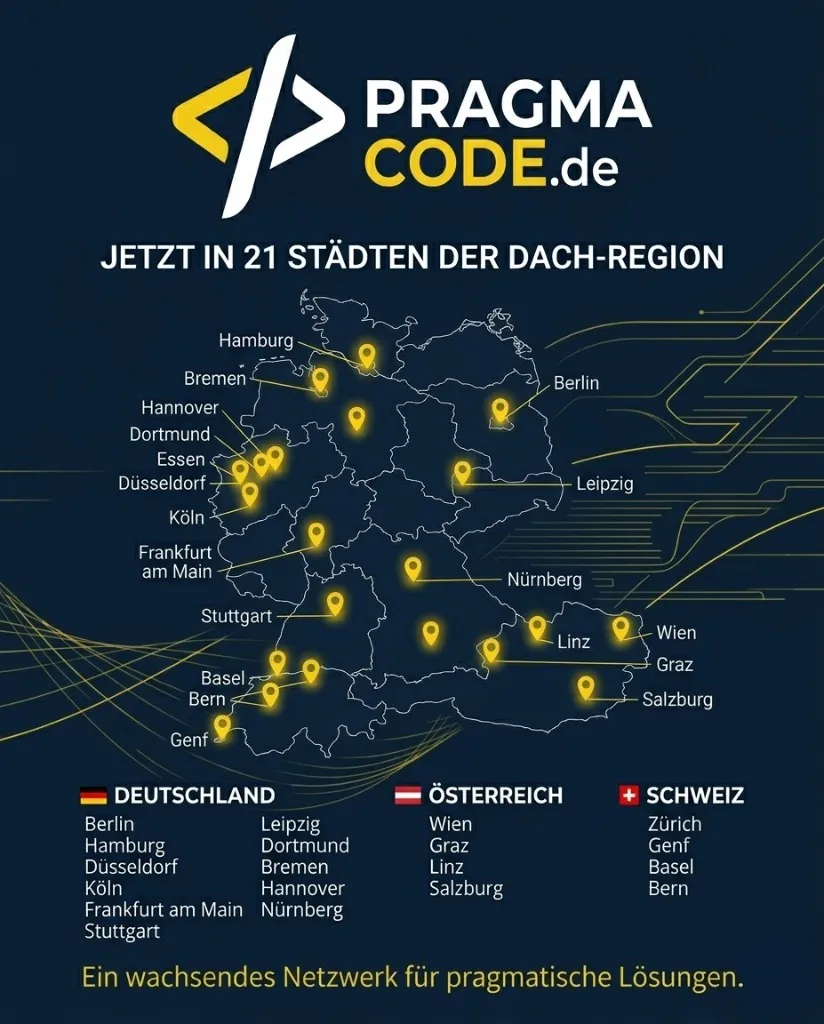
Our Regional Expertise
We are your digital partner – regionally anchored and successfully scaling across borders.
Have a vision?
Let's check together how we can make your idea take flight.
Book your free strategy call now