

Introduction: The Expensive Legacy of Outdated Systems
A time bomb is ticking in many medium-sized companies. Not in the basement, but on the web servers. Organically grown websites maintained for years based on outdated CMS versions – be it an old WordPress 4.x, a Joomla that hasn't seen security updates for years, or a proprietary system for which there are no longer any developers.
Do you feel the same way? "Never change a running system" was the mantra of IT departments for a long time. However, this sentence has not applied on the web for a long time. A website today is no longer a static information sheet, but a dynamic platform, a sales channel, the face of your brand. Outdated systems are not only a security risk, they are an obstacle to growth.
The decision for a relaunch or a migration is often postponed. The project seems too expensive, too complex, too risky. "Can't we let this run for another year?" is a question we often hear in consulting sessions. The answer is usually: Yes, technically perhaps. But economically, this is often the more expensive option.
In this article, written specifically for decision-makers, we largely leave aside technical buzzwords and focus on what counts: costs, schedule, and Return on Investment (ROI). We show why a migration to a modern WordPress ecosystem is often refinanced faster than you think, and what costs you really have to reckon with.
This article is an in-depth expert contribution from our content cluster. Discover the complete overview on our main page: WordPress to Next.js Migration →
Chapter 1: The Drivers of Migration – Why Act Now?
There are external and internal constraints that make a migration necessary. Ignore these signals, and you risk more than just an error message on the homepage.
1. Security and Compliance (GDPR)
Old software is like an open window on the ground floor. Hackers use automated bots to scan for known security vulnerabilities in old CMS versions. A hacked server can cost you not only data but also the trust of your customers and, in the worst case, high GDPR fines. Modern WordPress installations, correctly maintained, offer enterprise-level security.
Did you know?
Over 70% of hacked WordPress sites were running on an outdated version or using outdated plugins at the time of the attack. Security is not a state, but a process. A migration to a current base is the first step to resilience.
2. Performance and Core Web Vitals
Google has changed the rules of the game. With the "Core Web Vitals", the user experience (loading time, layout stability) has become a direct ranking factor. Old themes and bloated page builder constructs from the 2010s fail mercilessly here. If your page takes 5 seconds to load instead of 1 second, you measurably lose sales (Amazon found: 100ms loading time = 1% sales).
3. Editorial Efficiency
Does your marketing department need 2 hours to build a simple landing page because the backend is complicated and requires HTML knowledge? With the modern Gutenberg editor in WordPress, trained editors build such pages in 20 minutes. Extrapolate that to a year. The personnel costs burned by inefficient tools are often the biggest ROI lever.
Chapter 2: Cost Factors in Detail (TCO Analysis)
What does a professional migration cost? "It depends" is not an answer you can budget with. Therefore, we break down the cost blocks.
Direct Project Costs (CAPEX)
- Concept & Design: Taking over the old design (cheaper) vs. redesigning (more expensive, but more sustainable). Calculate 15-30% of the budget here.
- Technical Migration: Database export, cleanup, import. This is where the complexity lies. There is no simple "copy & paste" with databases.
- Development: Custom features, interfaces to CRM or ERP. Standard plugins save money, individual solutions create competitive advantages.
- QA & Testing: Browser tests, mobile tests, load time optimization. An often underestimated item.
Running Costs (OPEX)
- Hosting: Don't save at the wrong end. A 5€ hosting for a company site is negligent. Managed WordPress hosting costs between 30€ and 200€ a month, but offers backups, staging environments, and performance caching included.
- Maintenance: Updates of core, themes, and plugins must be checked and imported monthly.
- Licenses: Premium plugins (SEO, Forms, Security) cost money. Calculate 300€ - 1,000€ per year for licenses.
"The most expensive migration is the one that has to be done twice. Anyone who skimps on planning the first time around and uses a 'quick & dirty' script will pay twice as much later for troubleshooting and data cleanup."
Hidden Cost Traps
Beware of fixed-price offers that sound too good to be true. Often not included are:
SEO Redirects
Mapping old URLs to new ones. If this is forgotten, your Google ranking will plummet.
Content Cleanup
Who cleans up the 5,000 old images in the media archive? A clean restart saves storage and time.
Training
Your team needs to know how to use the new system. Plan time for onboarding and manuals.
Chapter 3: Realistic Scheduling
A relaunch is not a sprint, but a marathon. A realistic schedule for a medium-sized company site (50-200 subpages) looks something like this:
Audit & Strategy (Week 1-2)
Inventory. What stays, what goes? Analysis of the current situation.
Design & Prototyping (Week 3-6)
Wireframes, CI check, and approval of the new look & feel.
Development (Week 7-12)
Setting up the staging environment, theme development, and plugin configuration.
Content Migration (Week 13-14)
Automated import and manual fine-tuning of content.
Quality Assurance (Week 15)
Testing on all devices, PageSpeed optimization, and bug fixing.
Go-Live & Training (Week 16)
DNS changeover, onboarding of editors, and project completion.
Count on a lead time of 3 to 6 months. Projects promised in "2 weeks" are usually based on ready-made templates without individual customization and without strategic planning.
Chapter 4: The ROI – When Does the Investment Pay Off?
A migration costs money. When does it flow back? Let's look at a fictional but realistic case study.
Müller GmbH & Co. KG
150 employees | Legacy System: Typo3 (as of 2018)
Starting Situation
- High agency dependency (€200/month for text changes)
- Loading time 4.5s | Ads Bounce Rate: 85%
- No mobile optimization (Loss of ranking)
Investment
WordPress Relaunch with Custom Theme (One-time)
ROI after 12 Months
Result: The investment has already amortized in the first year. From the second year onwards, the website generates a direct profit.
Chapter 5: Technical Aspects for Decision Makers
You don't need to know how to code, but you should know these terms to manage your IT or agency.
Headless WordPress
The new gold standard for performance. WordPress is only used as a database and editor (backend). A modern frontend technology like React or Next.js handles the delivery to the visitor.
Advantage: Insanely fast, extremely secure (the WordPress backend is decoupled from the frontend).
Disadvantage: More expensive to develop. Worthwhile for demanding projects.
Staging Environment
Never let anyone operate "on the open heart". Always request a staging environment (copy of the live site). Changes are tested there and only go "live" after approval.
Conclusion: Investing in Digital Future Viability
A WordPress migration is more than just a technical update. It's an opportunity to cut off old habits, streamline processes, and turn your digital business card back into a sales engine. The cost of inaction – lost customers, security risks, frustrated employees – is always higher long-term than the cost of a professional migration.
Approach the project strategically. Plan a budget for the time after go-live (maintenance, further development). And choose partners who understand not only code but also your business.
ROI (Return on Investment)
Key figure to measure profitability. Ratio between profit/benefit and the investment costs.
TCO (Total Cost of Ownership)
The true cost of a system over its entire lifecycle, including acquisition, operation, maintenance, and training.
Time-to-Market
The duration from idea to publication. Modern CMSs drastically reduce this for marketing campaigns.
Legacy Code
"Old burdens". Program code that is outdated, often no longer documented, and difficult to maintain or expand.
Staging Environment
A test environment that is an exact copy of the live website. Changes are safely tested here.
Headless CMS
Architecture where content (backend) and presentation (frontend) are technically separated. Enables maximum flexibility.
301 Redirect
Permanent redirection of an old URL to a new one. Essential for retaining SEO rankings during a migration.
Core Web Vitals
Google metrics for measuring the user experience (load time, interactivity, visual stability).
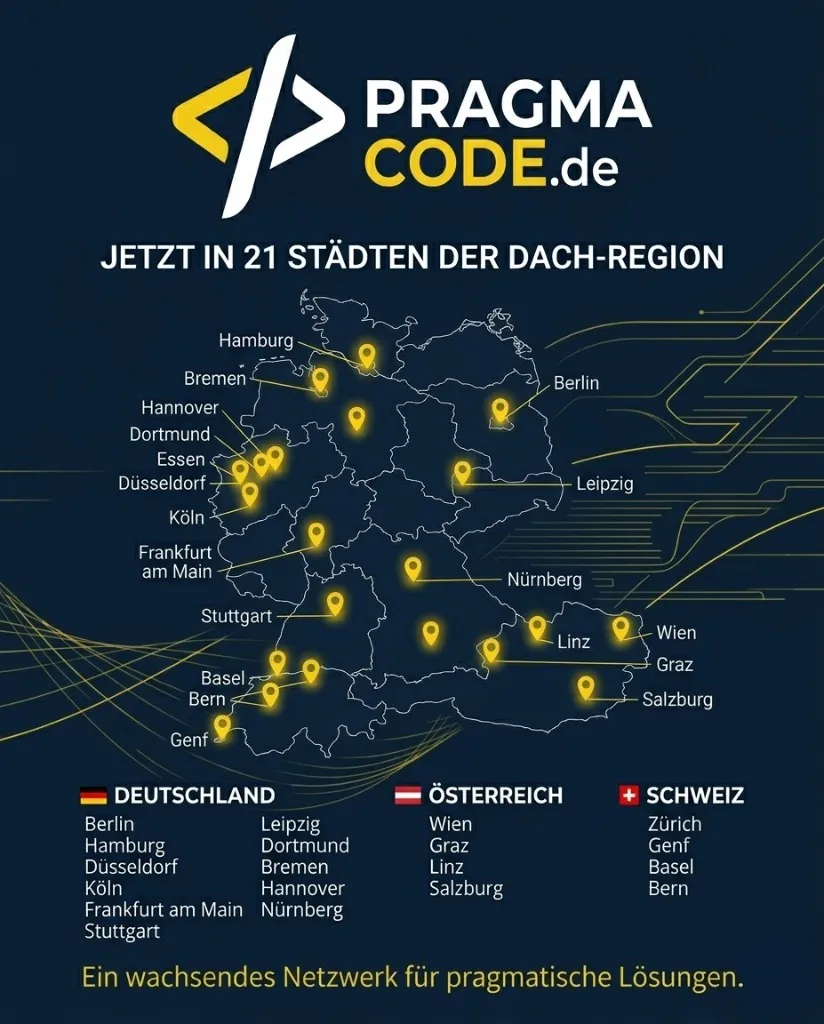
Our Regional Expertise
We are your digital partner – regionally anchored and successfully scaling across borders.
Planning a migration?
Let's calculate your ROI together. We analyze your existing system and create a non-binding roadmap.
Request Migration CheckOr directly: [email protected]