

Connect accounting
and ERP
Invoices, bookings and master data move by interface between shop, ERP, accounting software and DATEV — instead of CSV exports and retyping. We build the connection; your systems stay as they are.
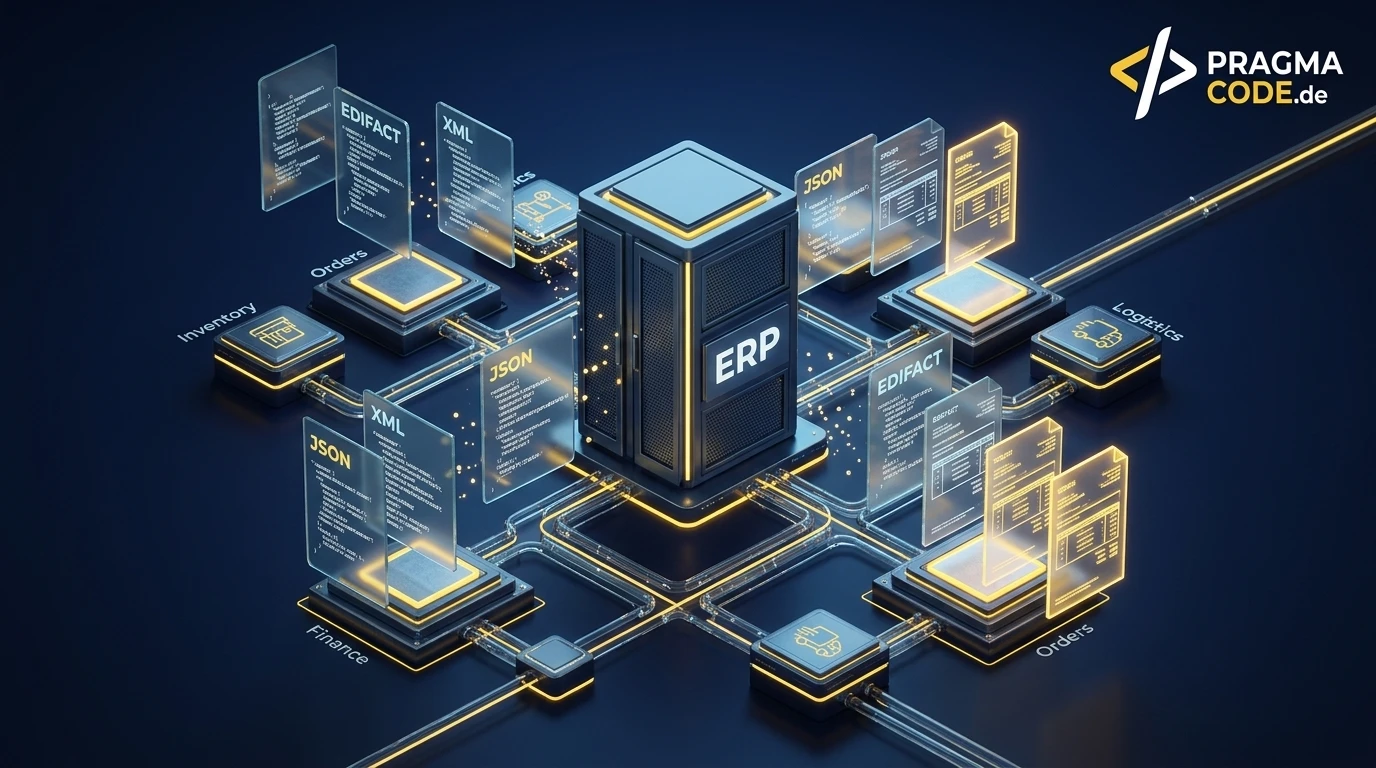
Your systems stay. The manual work between them goes.

What changes between your systems.
The data takes the same route — nobody carries it across by hand any more.
What we connect.
Six building blocks, introduced on their own or together — depending on where things get retyped today.
Bookings to your tax advisor
Booking batches and documents reach your tax advisor in DATEV format or via the DATEV data services — generated automatically instead of a CSV by email.
Invoices from shop & ERP
Orders become invoices in your invoicing tool automatically — easybill, sevDesk or lexoffice, for example — with customer, line items and tax rate.
Outgoing e-invoices
XRechnung and ZUGFeRD generated from your data per EN 16931 and checked against the business rules before sending — not after the complaint.
Master data in sync
Maintain customers, suppliers, items and cost centres once, sync them everywhere — no duplicates, no mismatched numbers between systems.
Payment status back
Paid status from accounting or bank flows back into ERP or shop — dunning runs and delivery releases work with current data.
Log & error alerts
Every transfer logged with time, record and result. If something fails you get an alert instead of a silent gap at month-end.
What we dock onto.
The names are examples of systems with open interfaces, not partnerships. What matters is which interface your system offers — the check settles that.
Accounting & invoicing
For example sevDesk, lexoffice, BuchhaltungsButler or easybill — connected via each vendor’s API.
ERP
For example Odoo, Sage, Oracle NetSuite or BMD — via their programming interfaces and exchange formats.
Tax advisor & DATEV
DATEV format and DATEV data services; firm software such as ADDISON or Agenda via their import and exchange routes.
GDPR & GoBD
Data-processing agreement, least-privilege access, processing in an EU region and a log of every transfer.
Check first, then connect at a fixed price.
What an integration costs depends on your systems’ interfaces. That is why the check comes first — after it you get a fixed price, not an estimate.
Know what can be connected: your systems mapped, the interfaces checked, a fixed price for implementation.
One connection in production — e.g. shop → invoicing or accounting → DATEV, with a parallel run before switching over.
Several systems joined into one data flow — including outgoing e-invoices and master-data sync.
From isolated tools to one data flow.
Nothing is switched over until you and your tax advisor have compared the results.
Map your systems
Which systems run, who maintains what, where do exports and retyping happen today — and which interfaces does your software actually offer?
Define the data flow
Which system leads for which data? Direction, schedule and field mapping are written down before anything is built.
Build & test
Integration in a test environment with real sample data and your everyday edge cases: credit notes, partial deliveries, customers abroad.
Parallel run
The interface runs alongside the old route. You and your advisor compare, then we switch over.
Operations & handover
Monitoring, error alerts and documentation. If a vendor changes its API, monitoring catches it — not your accounts team.
Questions on system integration.
The points that come up in almost every intro call.
Do we need a new ERP or new accounting software?
How does this differ from document processing?
Does DATEV even allow integration by interface?
What does the e-invoicing mandate have to do with it?
What happens if a transfer fails?
Who looks after the interface after go-live?
More on the topic.
Interfaces of common accounting and ERP systems, DATEV and e-invoicing.
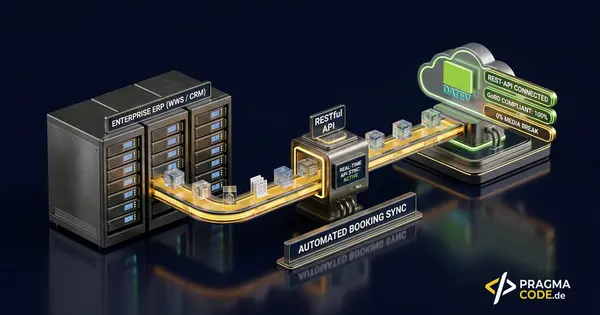
ERP Interfaces & DATEV API
Moving bookings, document images and master data between ERP and DATEV automatically.
Read more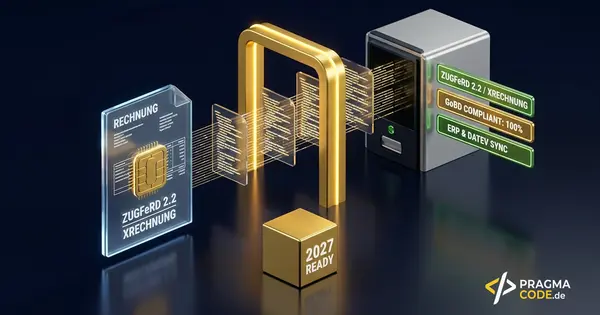
E-Invoicing Mandate 2027
ZUGFeRD, XRechnung and what ERP and invoicing need in place before the deadline.
Read more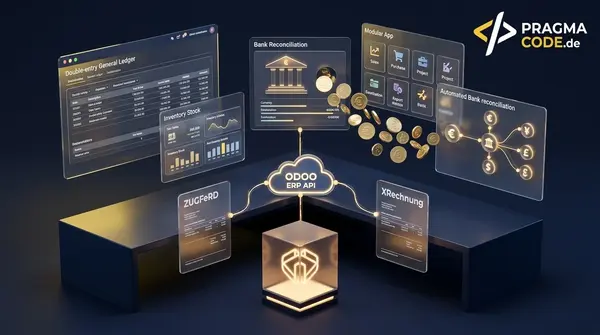
Odoo ERP: Accounting & API
Cloud accounting, e-invoicing and the interfaces of an open ERP at a glance.
Read moreDone with CSV exports?
We look at which systems you run and which interfaces they offer — and tell you what can be connected, and at what fixed price.