

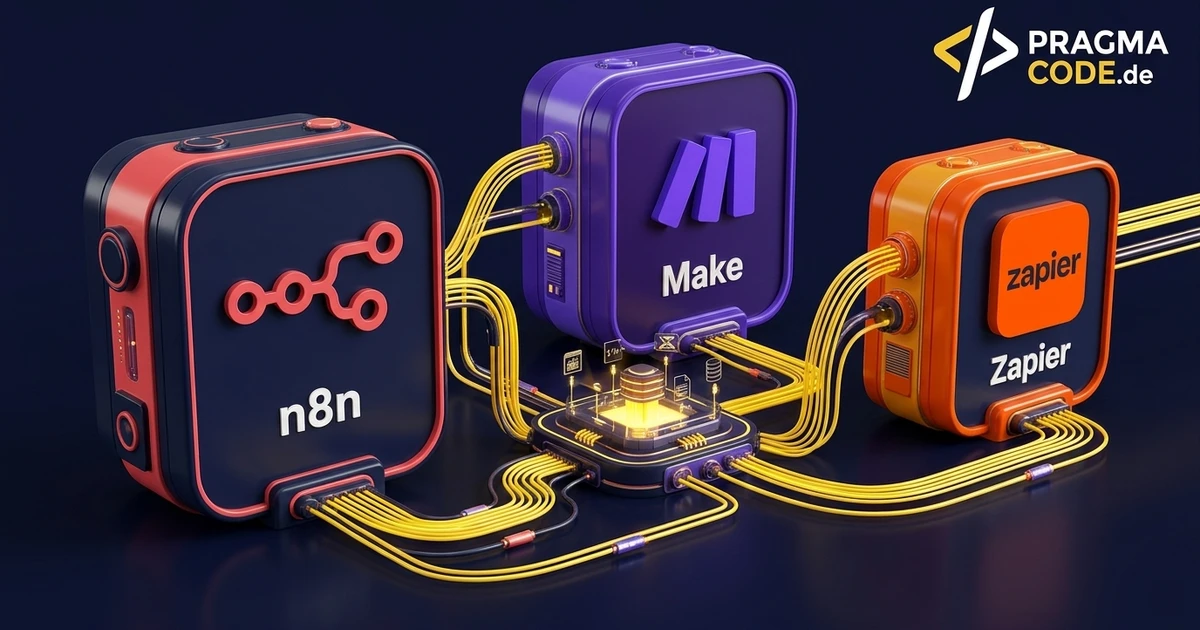
Choosing between n8n, Make and Zapier is neither a matter of taste nor purely a matter of price. It decides three things that are hard to change later: where your data is processed, how the invoice scales with your growth, and at what level of complexity you hit a wall.
This article is an in-depth expert contribution from our content cluster. Discover the complete overview on our main page: n8n automation for mid-sized companies →
- The difference is the operating model, not the feature list: n8n can be self-hosted, Make and Zapier run as services at the vendor. Everything else follows from that.
- Cost logic matters more later than the entry price: paying per step means paying more with every increment of growth — even when the benefit stays the same.
- There is no winner, but three clear use cases: Zapier for simple connections without IT, Make for branched processes, n8n for data ownership and complexity.
1. The question before the tool choice
Comparison tables for automation tools usually list integrations: who has more connectors, who supports which CRM. That number is close to meaningless. All three platforms cover the common systems, and where a ready-made connector is missing, a generic HTTP call almost always works.
What actually counts are four structural properties you cannot easily change after two years of operation: where the data is processed, how the invoice grows with usage, where the complexity ceiling sits, and who is responsible for operations. The decision is made along these four axes — and it comes out differently for every company.
2. Criterion 1: Where does the data run?
This is the difference from which nearly all the others follow. Make and Zapier are cloud services: your data flows through the vendor's infrastructure, generally under its terms and at its locations. n8n is open source and can be operated yourself — on your own hardware, in your own data centre, or at a host of your choosing. There is also a cloud variant, but having the choice is the decisive point.
For many processes this is irrelevant. But as soon as personal data, health data, payroll, engineering data or customer contracts flow through the workflow, a technical question becomes a legal one. Then it is about data processing agreements, data location, transfer to sub-processors — and about what you can demonstrate in an audit.
Comparison: managed cloud vs. self-operated
- Ready immediately: no servers, no updates, no backups in your responsibility.
- Data flows at the vendor: processing and storage location follow its terms.
- Outages are out of your hands: during an incident you can only wait.
- Evidence via vendor documents: you demonstrate with someone else's certificates, not your own control.
- Data ownership: processing happens where you decide — including entirely internally.
- Your own operating duty: updates, backups and availability sit with you or your provider.
- No forced disclosure: sensitive data need never leave the building.
- Auditable from your own hand: logs and configuration belong to you.
For what self-hosting concretely means for GDPR evidence, the detailed treatment is in n8n, sovereignty and data protection.
3. Criterion 2: How does the invoice scale?
Here lies the trap that is invisible in month one. The cloud vendors bill by usage — depending on the platform, by tasks, steps or operations executed. That is pleasantly cheap at the start and becomes unpleasant with two developments: when volume grows, and when workflows get more careful.
The second point is regularly underestimated. A process that validates a file, reconciles three fields, makes a decision and then updates two systems consumes several billing units — for a single business transaction. Double the diligence of your workflow and you may double the invoice without a single additional transaction being handled.
Consumption, not benefit, is the yardstick
You are billed for what the platform does, not for what it gives you. A careful workflow with validation and error handling costs more than a sloppy one — an incentive pointing the wrong way.
Success gets punished
When automation works, it gets extended. Precisely then the invoice rises more than proportionally — and the business case from back then no longer holds.
Switching costs rise over time
The more processes live inside a platform, the more expensive the move. Vendor lock-in arises not from a contract but from accumulated work.
With self-operated n8n the cost logic shifts fundamentally: you pay for servers and maintenance, not per step. That is more effort at the start and considerably more predictable above a certain volume. I deliberately quote no specific vendor prices here — the pricing models of all three platforms change too often for a number in a blog article to be reliable. Check the current terms at the time of your decision and extrapolate them to your expected volume in two years, not today's.
4. Criterion 3: The complexity ceiling
Each of the three tools has a point at which it turns against you. That point is worth knowing before the decision, not after.
Zapier: linear by design
Its strength is simplicity — "when something happens here, do something there". As soon as a process needs many branches, loops or intermediate states, modelling becomes laborious and maintenance opaque.
Make: visually strong, until it is too much
Graphically modelling branched processes is the major advantage. In very large scenarios that same canvas becomes the problem: the diagram turns unreadable faster than the process is actually complicated.
n8n: custom code as the escape hatch
Where graphical logic reaches its limits, a step can simply be written as code. That pushes the ceiling far back — provided someone still understands and maintains that code later.
Expert tip: test on your second-hardest task
The usual mistake is trialling a tool on the simplest use case. All three work there. Take instead the second most complicated process you intend to automate over the next two years and build a slice of it. Only there does it become clear which platform carries.
5. Criterion 4: Who operates it?
Automation is not something you set up once and then forget. Interfaces change, vendors deprecate API versions, credentials expire. So the relevant question is: who notices when a process stops — and who repairs it?
With cloud services, platform availability sits with the vendor, but workflow maintenance still sits with you. With self-operated n8n, server operations come on top. That is exactly why I offer automation as its own support plan: €590 per month covering monitoring of up to five active workflows across n8n, Make or Zapier, adjustments when interfaces or tools change, and one new workflow per quarter. Explicitly not included: tool licences, the initial setup, and complex AI models.
That last point deserves its own remark: a conventional workflow aborts with an error when something is wrong — you can see it. An agentic workflow with a language model keeps answering instead, including incorrectly. That is why operating AI agents is a separate product line with me and not an add-on to the automation plan.
6. The three tools in profile
Zapier
Widest reach of ready-made connections, flattest learning curve. Ideal when SaaS tools need connecting without an IT department and processes stay manageable.
Make
Stronger than Zapier at branched logic and data transformation, still with no operations of your own. The middle path for departments that want to build themselves.
n8n
Open source, self-hostable, extensible with custom code. The choice under data protection requirements, high complexity, or when costs should not grow with every step.
And for the sake of honesty
For many small processes a built-in feature of your existing system is enough. Not every connection needs its own platform with its own operations.
7. Decision guide by starting position
-
No IT of your own, a few simple connections
Zapier. Operations fall away entirely and you are running within hours. Watch the cost curve once more than a handful of processes exist.
-
A department builds it, processes are branched
Make. Visual modelling carries further than in Zapier without anyone having to look after servers.
-
Personal or confidential data in the process
Self-hosted n8n. Here the data location question is not about comfort but about a duty to demonstrate compliance.
-
High volume or foreseeable growth
n8n. Once usage-based billing becomes noticeable, a fixed operating cost block is more predictable.
-
Language models are part of the process
n8n, plus an operating arrangement with quality checks. An agent nobody samples for content quality is not an automated process but an unsupervised one.
8. What switching later will cost
The question almost nobody asks during selection, and which co-determines six-figure decisions three years on: what happens if you want to change platform? Unlike with a database or a file format, there is no interchange standard between these three tools. A process built in Make cannot be exported and loaded into n8n — it has to be rebuilt.
What actually gets lost is rarely the process itself. The real work sits in the things nobody documented: the special cases that accumulated over time, the format conversions between two systems, the order in which two interfaces must be called because one otherwise blocks. That accumulated detail knowledge is the expensive part of a migration, and it appears in no export file.
Countermeasure 1: write the business logic down outside the platform
What the process should do in substance — conditions, special cases, responsibilities — belongs in a document that exists independently of the tool. It costs an hour while building and saves weeks during a switch.
Countermeasure 2: the access belongs to you
API keys, third-party accounts and webhook targets should be registered in your name, not your provider's and certainly not in a shared platform account. Otherwise a technical migration turns into an administrative project.
Countermeasure 3: do not put everything in one tool
There is little against leaving simple connections in a cloud service and self-operating only the processes with sensitive data or high complexity. Maintaining two tools is effort — but considerably less than one platform holding everything that turned out to be the wrong one.
In practice: switching is expensive with all three tools, but differently expensive. With Zapier and Make the configuration is lost because it lives in the vendor's format. With self-operated n8n the process definitions remain as files in your hands, and any custom code in them is portable anyway. That is not an argument for n8n on its own — but it is an item that belongs in the calculation if you are undecided anyway.
Quick check before deciding
Conclusion
There is no winner in this comparison, but three tools with clearly different strengths. Zapier wins on entry, Make on visually modelling branched processes, n8n on data ownership, complexity and cost predictability. Anyone deciding along the four axes of data location, cost logic, complexity ceiling and operational responsibility almost always arrives at a clear answer — and it depends on your starting position, not on the connector count on a comparison page.
Have a vision?
Let's check together how we can make your idea take flight.
Book your free strategy call nowExtended Specialized Glossary
AI Automation
The use of AI models inside business processes to take over tasks that were previously done manually.
Agentic Workflow
A process in which an AI agent does not merely answer but calls tools and decides intermediate steps on its own.
Vendor Lock-in
Dependency on a provider that arises when switching becomes technically or economically disproportionate.
